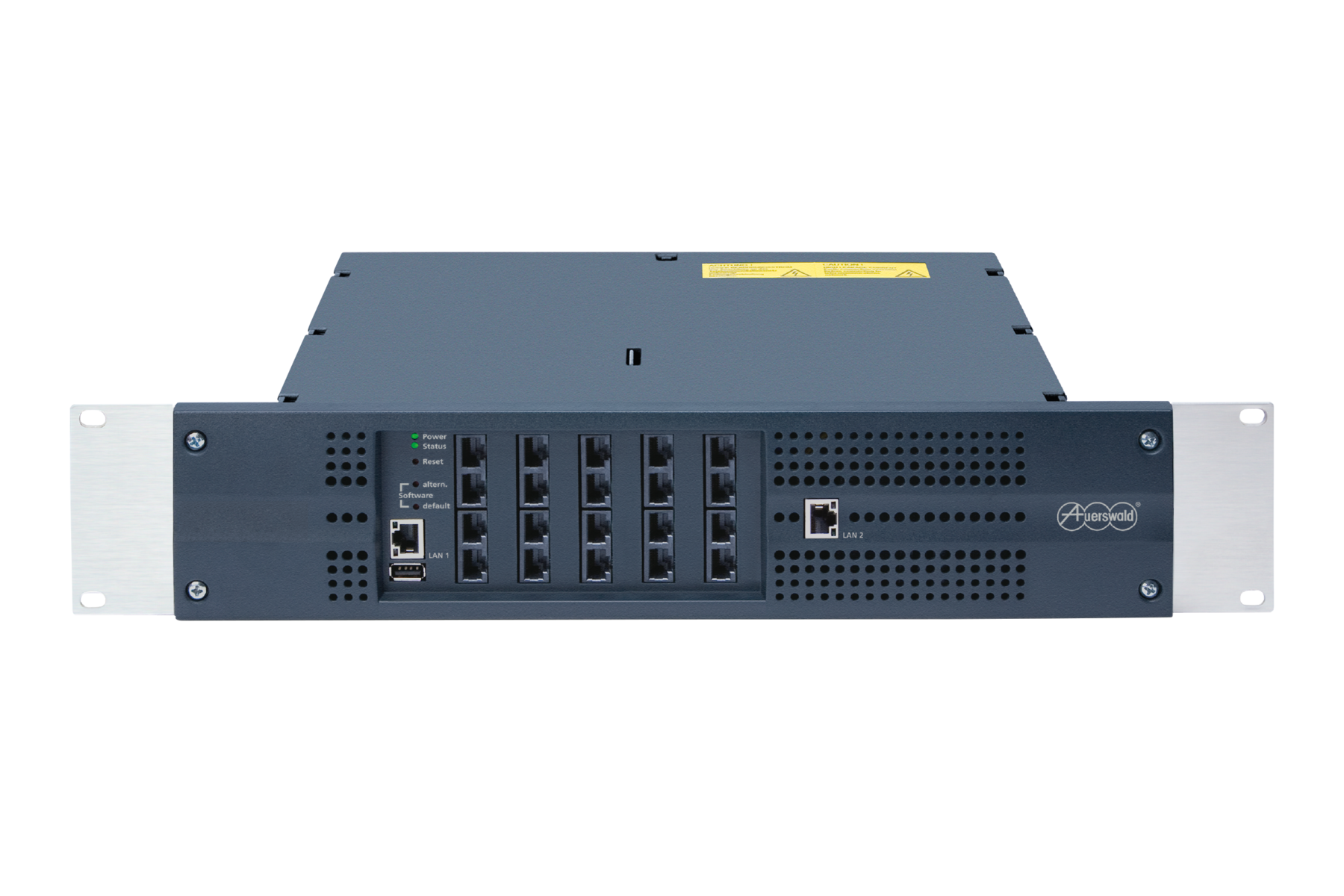
Product status End-of-Support
If there is a software care contract (direct, individual agreement with the reseller) for your COMtrexx, it is guaranteed that we will continue to provide the latest versions for the system.
Product status End-of-Service: Dec 2028
No further software updates guaranteed
Productstatus End-of-Repair: Dec 2028
Repair service no longer possible
| Languages | Current version | ||
|---|---|---|---|
| Operation Instructions | V16 07/2026 | Online PDF | |
| V16 07/2026 | Online PDF | ||
| COMtrexx Migrationstool - Operation Manual | V02 05/2026 | Online | |
| V02 05/2026 | Online | ||
| COMtrexx Control Center - Operation Manual | V09 03/2026 | Online PDF | |
| V09 03/2026 | Online PDF | ||
| Privacy Policy | V10 12/2025 | ||
| Statements of conformity | V04 10/2022 | ||
| COMmander/COMpact PBX as a/b gateway | V02 11/2022 | ||
| V02 11/2022 | |||
| V02 11/2022 | |||
| Instructions | V05 11/2023 |
General information
Help/Instructions for COMtrexx from firmware version 2.6
Changed descriptions
Updated information on changes to the settings options.
Several corrections and editiorial changes
General information
Help/Instructions for COMtrexx from firmware version 2.6
Changed descriptions
Updated information on changes to the settings options.
Updated information on changes to the settings options.
General information
Help/Instructions for COMtrexx from firmware version 2.6
New descriptions
Information on the new firmware version
Changed descriptions
Updated information, discontinuation of COMfortel SoftPhone (first-generation).
Updated information; new variant COMtrexx VM for Proxmox VE.
Updated/extended addresses.
Updated information on the revised web interface and the minimum requirements for the initial network setup.
Updated information on the revised web interface and enhanced functionality (support COMtrexx Next, support COMfortel SoftPhone 2).
Updated information on changes to the settings options.
Updated information; discontinuation of PBX certificates.
Standards:
- EN 55032:2015/A11:2020 supersedes EN 55032:2015
- EN55035:2017/A11:2020 supersedes EN 55024:2010+A1:2015
General information
Instructions for COMmander/COMpact PBXs as a/b gateway on a COMtrexx
Changed descriptions
Information on the firmware version added.
Information on the setting of exchange line authorisation added.
General information
Help/Instructions for COMtrexx Bsuiness from firmware version 2.0
Editiorial changes
Links to COMtrexx support and COMtrexx help with improved and comprehensive information.
Additional languages.
For the following products:
Language:
The required settings are described in the respective help for the telecommunications systems.
Requirements
via UCConnect / Mobility Services (a paid additional service from Estos)
- or -
configured according to the Estos best practice article https://support.estos.de/en/procall-enterprise/best-practice-ucserver-fuer-procall-mobile-apps-einrichten
Compatible web browsers
Chromium-based browsers, for example:
The following are not supported:
PBX Call Assist Web does not support use on mobile devices such as smartphones or tablets running Android or iOS.
The respective PBX Call Assist Mobile App (for Android or iOS) should be used.
Note: The PBX Call Assist Client for Windows should be closed before using PBX Call Assist Web, if necessary.
Port Forwarding
The PBX Call Assist Web WebRTC application runs as a website (https://auerswald.procall.de) within a web browser and is delivered via the https protocol. This requires the https port (443, outbound) to be forwarded.
In summary, the most common port forwarding requirements for WebRTC are: