| Languages | Current version | ||
|---|---|---|---|
| Automatic exchange line request and the fax printer driver | 0816 | ||
| 0816 | |||
| Advisory ID: Auerswald-PBX-Systems-Webinterface-20210910 | V1.0 | ||
| Privacy Policy | V04 10/2024 | ||
| COMmander/COMpact PBX as a/b gateway | V02 11/2022 | ||
| V02 11/2022 | |||
| V02 11/2022 | |||
| Advanced Information | V24 11/2024 | Online PDF | |
| V24 11/2024 | Online PDF | ||
| V24 11/2024 | Online PDF | ||
| Instructions | V07 08/2023 | ||
| Statements of conformity | V05 10/2022 | ||
| Drilling Template | 04 02/2017 |
General information
Instructions for COMmander/COMpact PBXs as a/b gateway on a COMtrexx
Changed descriptions
Information on the firmware version added.
Information on the setting of exchange line authorisation added.
General Information
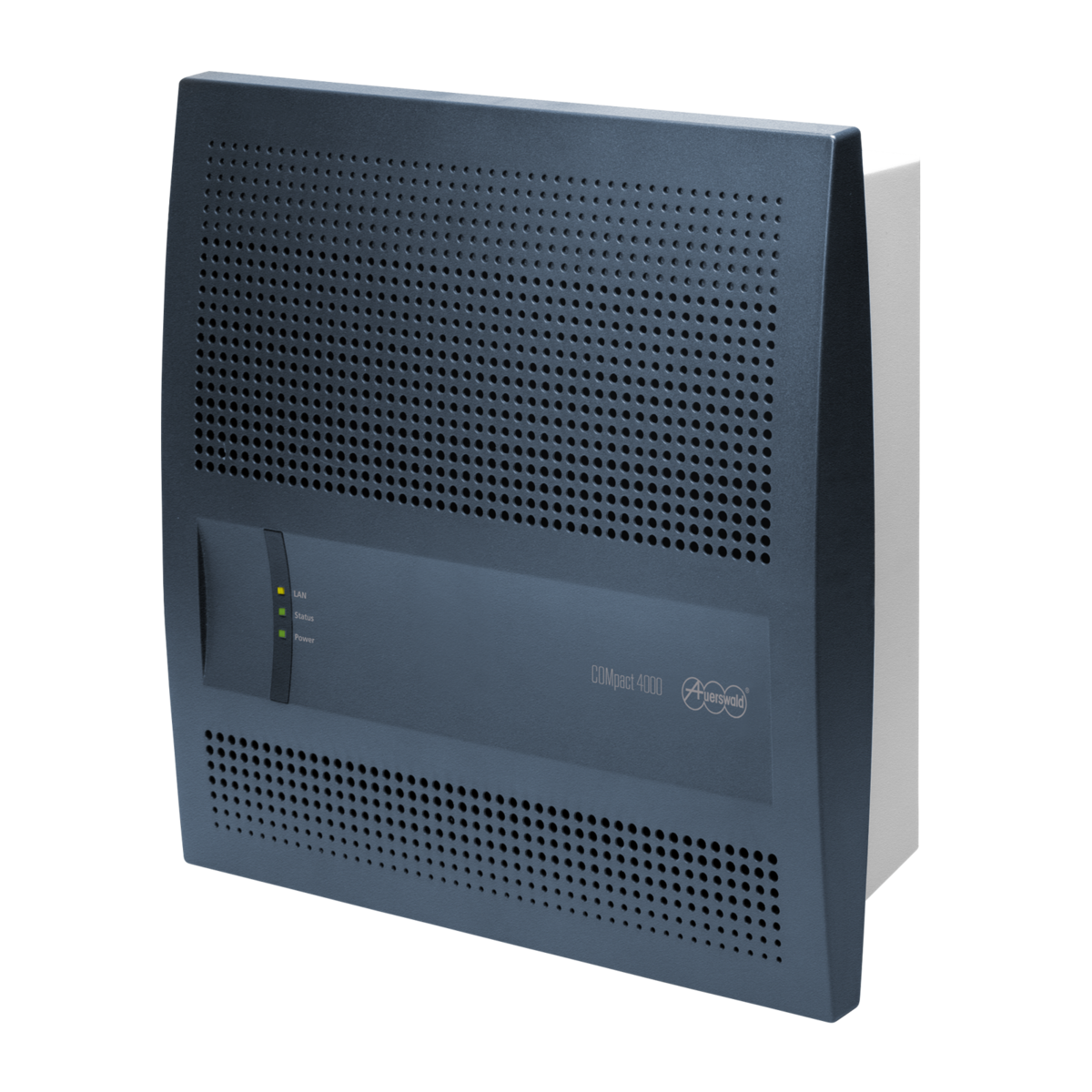
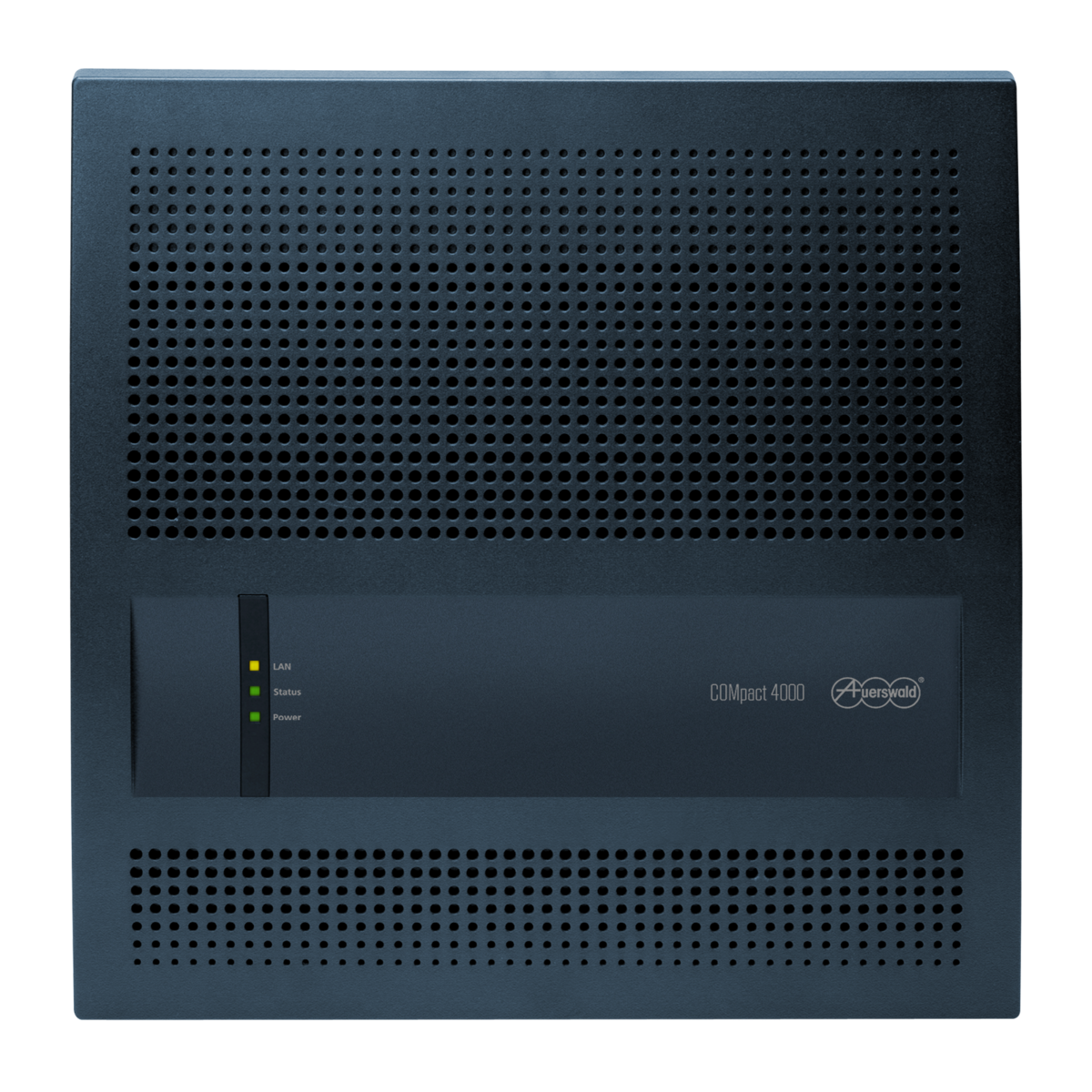
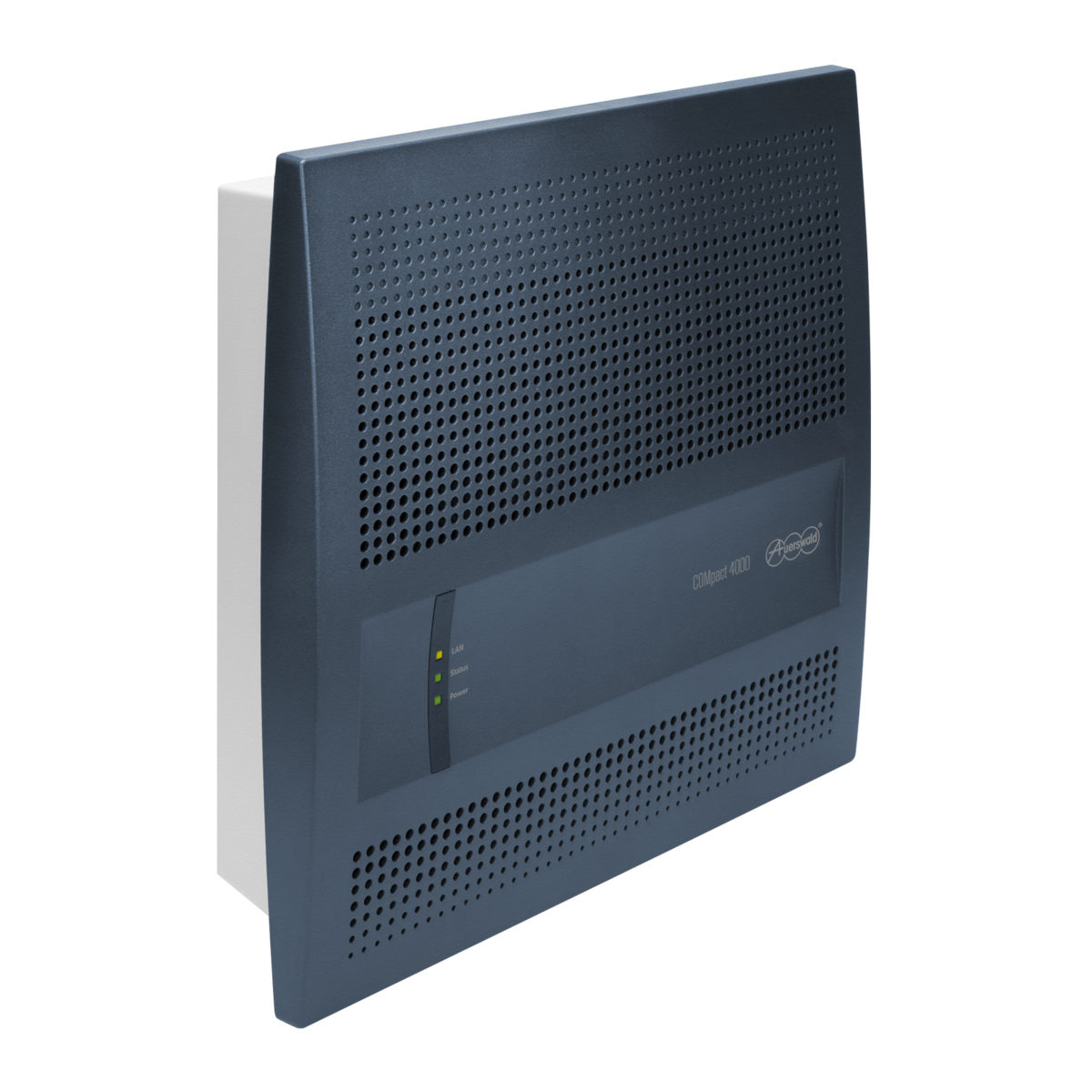
Help/Instructions for COMpact 4000 as of firmware version 8.6B
New descriptions
Information on the new firmware version
Changed descriptions
New option.
New option.
New option.
New option.
New additional settings.
Improved security.
Note added.
Note added.
Note added.
Several corrections
General Information
Instructions for COMpact 4000 from firmware version 8.4
Changed descriptions
Declaration of conformity: manufacturer and website added
Updated list of Connection possibilities: IP-DECT server, Standard VoIP telephones
Standards:
- EN 55032:2015/A11:2020 replaces EN 55032:2015
- EN55035:2017/A11:2020 replaces EN 55024:2010
For the following products:
Language:
The required settings are described in the respective help for the telecommunications systems.