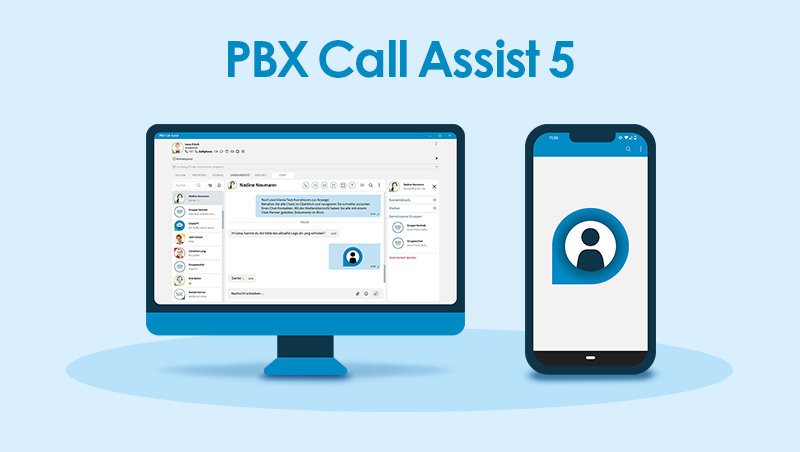

Version 8.10.0.11884
- Logging in and out of agent groups can now be automated via an action configured in PBX Call Assist Desktop for Windows. (Prerequisite: update of UCServer and PBX Call Assist Desktop for Windows)
- When using a UCServer queue group with agent functionality, the tooltip of a contact in Favorites in PBX Call Assist Desktop for Windows (from version 8.9.3) now shows which agent groups the user is a member of and whether they are logged in or not.
- The robustness of communication with the license server has been improved starting from version 8.9.3.
- In PBX Call Assist Desktop for Windows, the journal now also shows when a call has been forwarded, even when sorted by contacts.
- The “Connect call participants” button can now be displayed directly in the call window.
UCServer
- Issues when saving the UCServer administrator password have been fixed.
It is now no longer allowed to leave the password unset; it must be defined via the “UCServer Server Setup”. - A crash occurring when shutting down the UCServer service has been fixed.
- The tab for general settings in the TAPI line group is available again.
- Umlauts are now correctly displayed in error emails again.
- Various memory leaks in UCServer have been fixed.
- Various issues with UCServer log file settings have been fixed:
- After changing the log level, logs are again stored in the specified directory and no longer in the UCServer main directory.
- Specific settings such as log file size are now correctly applied.
Download