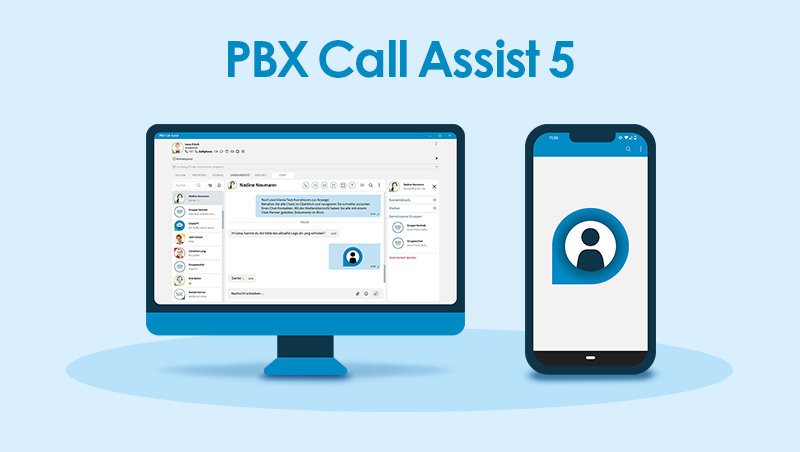


Update of 29 September 2026: Version 8.11.0.12763 is a feature update with numerous improvements and bug fixes for UCServer, PBX Call Assist Desktop for Windows and the chat. It is now available in the download area.
Important note on the shutdown of Exchange Web Services (EWS):
Microsoft is gradually restricting Exchange Web Services (EWS) in Exchange Online from October 2026 and expects to switch them off in early April 2027. To allow PBX Call Assist to continue retrieving data from Microsoft cloud services, access to Exchange Web Services must be enabled (EWSEnabled=true).
- With a static route to another UCServer, audio/video chat and screen sharing are now also supported.
- Permissions for audio/video chat and softphone can now be assigned separately.
- The chat now automatically recognises links and email addresses.
- The chat search now covers the entire history, including messages that have not yet been loaded.
- PBX Call Assist Desktop for Windows now includes the new Yealink HID SDK 3.1.1.26.
UCServer
- Hunt groups: Phone numbers containing spaces are now assigned correctly. Only SIP lines are shown during assignment, and assigned numbers appear in the line selection.
- If the chat is disabled, starting a chat is no longer offered.
- An error with the team member permission for pickup ("Business 2") has been fixed.
- Internal pickup on SIP softphone lines delivers audio again.
- Various crashes have been fixed, including those caused by invalid WebSocket data and those related to configuration directories.
- A hang when disconnecting from UCConnect has been fixed.
- A port conflict when restarting the UCWeb service has been fixed.
- The PCAP trace function has been revised.
- Active Directory synchronisation now runs in a more controlled manner.
- The role display in UCWeb is more reliable.
- For anonymous connections, STUN/TURN lists are no longer returned in the CreateSession result.
PBX Call Assist Desktop for Windows
- Crashes during searches and with custom actions have been fixed.
- A crash of the MAPI integration with Outlook for recurring appointments with a % character in the location has been fixed.
- Notes entered with "Prepare call" on CSTA-monitored lines are now saved and shown in the journal.
- Actions are retained after the client reconnects.
- Duplicate display of calls in the favourites for phone 1/2 lines has been fixed.
- The "Me" area is now displayed correctly regardless of the screen resolution.
- In Remote Desktop mode, chat notifications of the WebView2 variant are shown on both computers.
- When minimising with the chat tab active, the chat window no longer turns black for a few seconds.
Chat
- Context menus are displayed in full, and translations are more consistent.
- Muting and pinning from the search results works again.
- The search now only shows contacts that can be chatted with or that have an existing chat history.
- Contact widget: Group chat participants are displayed correctly, and chats and calls can be started more reliably.
- Group chat: Participants can be removed, the email and appointment buttons work again, and confirmation messages show the group name correctly.
- Problems with sending and opening images and with uploading after a cancellation have been fixed.
- Emojis can be inserted without interrupting typing; the emoji picker stays open.
- Messages written during a server interruption are sent in the correct order once the connection is restored.
- "Open chat in MS Teams" works again.
Download