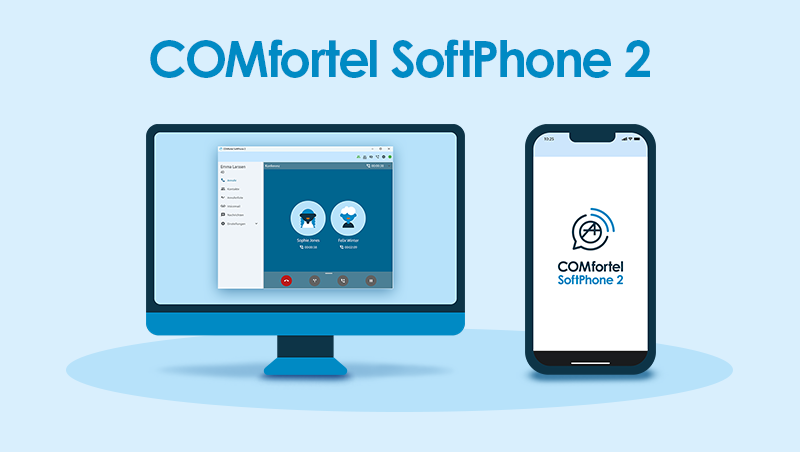


Version 1.6.0
General Information
Operating system Android
Android 9 is no longer supported with this version.
Operating system Linux
The softphone now also supports operation under Linux (Ubuntu, Debian) from glibc version 2.41 (e.g. Ubuntu 26.04 LTS, Debian 13).
Operating system Windows
Windows 10 is no longer supported with this version.
Improvements
Battery consumption (Android only)
The app no longer needs to remain permanently active in the background to stay registered. This and further corrections reduce battery consumption.
App in the foreground
The desktop app can now be kept in the foreground at all times: Settings > App > Keep app in foreground
BLF (COMtrexx)
The busy status / presence status for LDAP contacts now remains active even if access to the PBX is temporarily unavailable.
Airplane mode
Airplane mode on mobile devices is now supported correctly.
Groups
The group status can now be distinguished between “logged in” and “permanently logged in”.
The group number is also displayed in the status bar to help distinguish between different groups.
Contacts
Contacts can now be sorted by first name or surname: Settings > App > Sort contacts by:
Contacts (Microsoft)
The softphone now allows you to retrieve contact details from Microsoft Outlook: Settings > Sync accounts
The Exchange configuration is now checked during setup.
Registering
It is now possible to prevent the registration from being activated via the status bar: Settings > App > Registration mode can be toggled via a shortcut
Call display (only Desktop)
Improved display for incoming calls. All information about call paths is now available without having to click through any additional pages.
The call paths are now also displayed in the notification.
Number dialling
The dial button can now be used directly to redial the last number.
In the Dialler menu, you can now switch between the on-screen keyboard, contacts and call history.
Door functions
Door functions can now be controlled not only via the settings, but can also be assigned to a contact.
Voicemails
Expanded/enhanced icon in the status bar.
You can now activate your voicemail via the app: Settings > Telephony > Reachability > Readiness of your own voice mailbox
A call answered by the voicemail system can now be picked up.
Group voice mailboxes are now also displayed for each group of which the softphone is a member. Requirement: COMtrexx as of version 2.6.1, COMpact as of version 8.6D
Bug fixes
Possible crashes
Under certain circumstances, the app could crash.
To the Download